
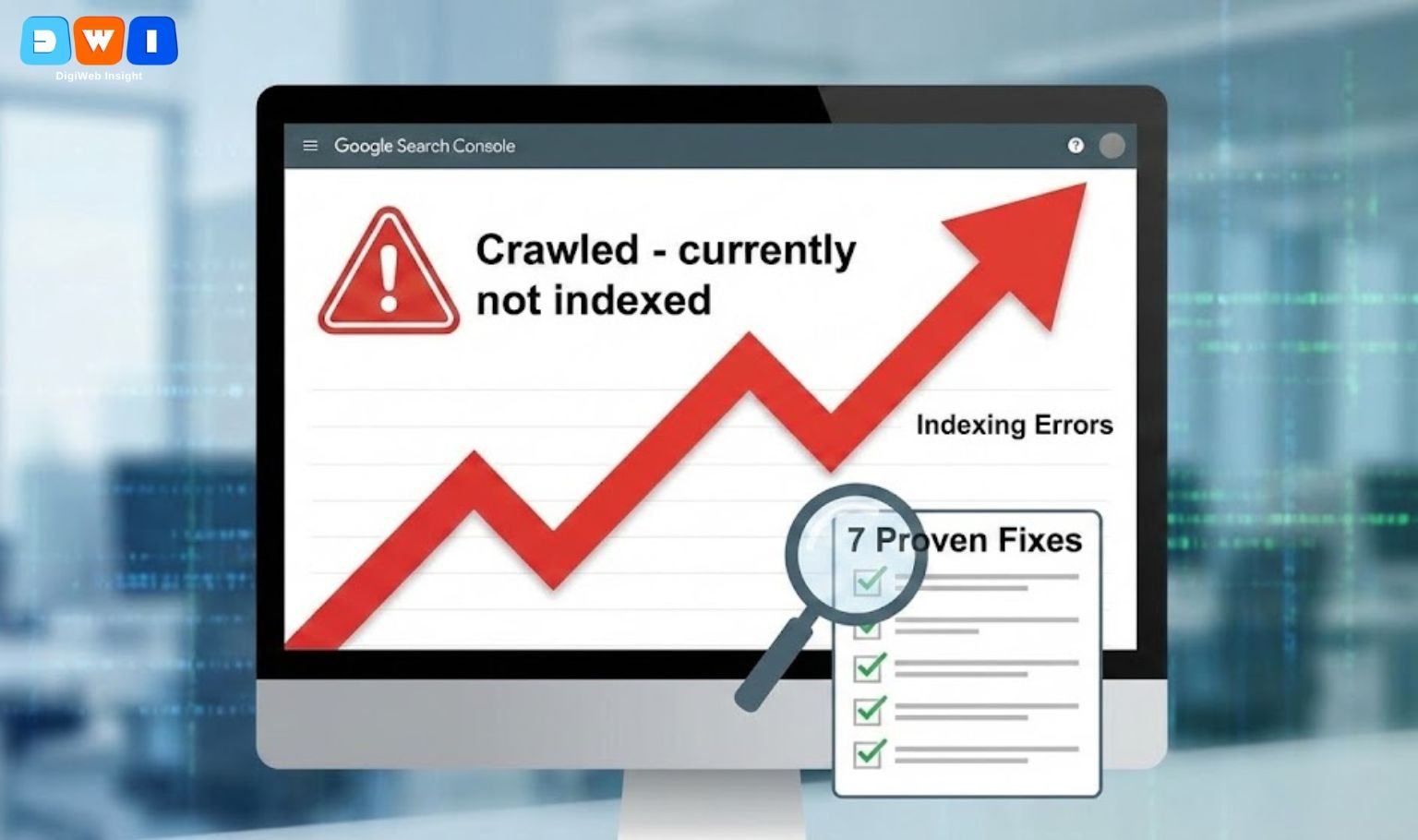
Are you noticing a sudden rise in Google Search Console indexing errors? You are not alone. In late 2024 and early 2025, website owners globally reported a massive spike in pages not getting indexed.
For many, seeing the “Crawled – currently not indexed” status feels like a nightmare. If Google doesn’t index your content, you don’t rank, and you don’t get traffic. Whether it is a reporting glitch or a quality issue, understanding the root cause is critical to recovering your visibility.
This guide covers why these spikes are trending and provides actionable steps to fix them.
Why the Sudden Spike in Indexing Errors?
The recent surge in Google Search Console indexing errors is largely attributed to two factors: stricter quality filters and crawling delays.
Google has updated its algorithms to prioritize “helpful content” more aggressively. This means that pages previously deemed “good enough” are now being filtered out if they lack Experience, Expertise, Authoritativeness, and Trustworthiness (E-E-A-T).
Additionally, confirmed reporting delays in Search Console have caused data to “stick,” leading to sudden spikes when the data finally refreshes. However, if your pages remain unindexed for weeks, it is likely a quality or technical issue, not just a glitch.
7 Ways to Fix Google Search Console Indexing Errors
If you are facing persistent Google Search Console indexing errors, follow these seven troubleshooting steps to get your pages back in the SERPs.
1. Audit “Crawled – Currently Not Indexed” Pages
This is the most common error during the recent spike. It means Googlebot visited your page but decided it wasn’t worth indexing. This is rarely a technical error; it is usually a quality signal.
- The Fix: Review the content. Is it unique? Does it offer value? Compare it to the top 10 results for your target keyword. If your content is thin or generic, rewrite it to add depth and original insights.
2. Resolve “Discovered – Currently Not Indexed”
This status often indicates a crawl budget issue. Google knows the page exists but hasn’t bothered to crawl it yet because it predicts the content might be low value or your server is overloaded.
- The Fix: Improve your internal linking structure. orphan pages rarely get crawled. meaningful links from high-authority pages on your site can signal importance to Googlebot.
3. Check for Accidental “NoIndex” Tags
Sometimes, the solution is simple. A plugin update or a developer mistake can accidentally add a noindex tag to valid pages, causing immediate Google Search Console indexing errors.
- The Fix: Use the “Inspect URL” tool in GSC. If it says “Excluded by ‘noindex’ tag,” check your SEO plugin settings or robots.txt file immediately.
4. Fix Soft 404 Errors
A “Soft 404” occurs when a page tells users it doesn’t exist (like an empty product category) but sends a “200 OK” code to Google. Google hates this because it wastes crawling resources.
- The Fix: Ensure empty pages return a proper 404 status or, better yet, redirect them to a relevant live page.
5. Improve Internal Linking
Google relies on links to find and value content. If a page has zero internal links, it is considered “orphaned” and low priority.
- The Fix: Add contextually relevant links from your stronger pages to the unindexed ones. For expert help on site structure, you might consider consulting an affordable SEO agency in USA.
6. Submit a Valid XML Sitemap
Your sitemap is a roadmap for Google. If your sitemap contains old, redirected, or non-existent URLs, Google may stop trusting it, leading to Google Search Console indexing errors.
- The Fix: Ensure your sitemap is clean (only 200 OK status pages) and resubmit it in Search Console.
7. Optimize for Mobile & Loading Speed
Google uses mobile-first indexing. If your page fails the Core Web Vitals assessment or is unreadable on mobile, it may be dropped from the index to protect user experience.
- The Fix: Use Google’s PageSpeed Insights to check your score. If you need technical assistance, professional web design and development services can help optimize your site’s code.
New Priority: Signals Google Wants to See
Fixing technical errors is only half the battle. To prevent future Google Search Console indexing errors, your content must align with Google’s new priorities:
- E-E-A-T: Demonstrate real-world experience. AI-generated fluff is being deindexed rapidly.
- Uniqueness: 0% plagiarism is the baseline. Your content must offer a unique perspective.
- User Engagement: High bounce rates signal low value. Ensure your content hooks the reader instantly.
For businesses relying on paid traffic while waiting for SEO fixes, optimizing your Pay Per Click (PPC) marketing can help maintain visibility during the downtime.
Pro Tip: “Content is King, but technical SEO is the castle.” Without a solid technical foundation, even the best content remains invisible.
Conclusion
The recent spike in Google Search Console indexing errors is a wake-up call to prioritize quality and technical health. By following these fixes and focusing on helpful, human-first content, you can recover your indexation rates.
Start by auditing your “Crawled – not indexed” report today—this is where the biggest wins are hiding.