
Understanding the Status
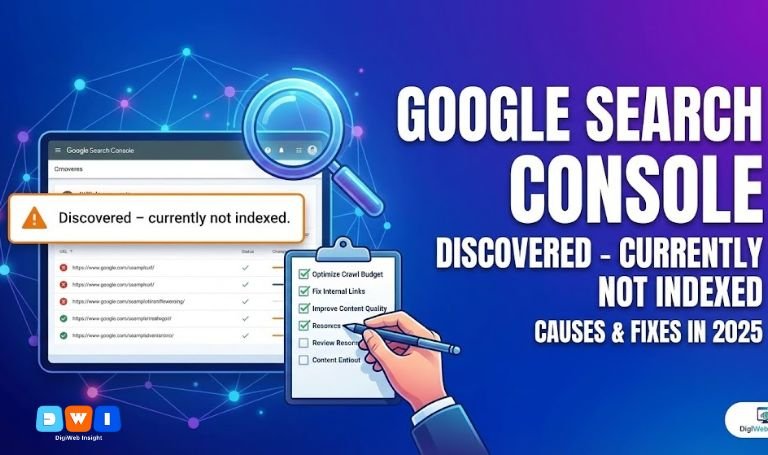
Every website owner dreads seeing the Google Search Console “Discovered – Currently Not Indexed” status report. It is one of the most confusing signals for digital marketers in 2025. Essentially, this status means that Google knows your URL exists but has decided not to crawl it yet.
Unlike “Crawled – Not Indexed,” where Google visited the page and decided it wasn’t worth indexing, “Discovered” means Googlebot hasn’t even visited the page. It often signals a bottleneck in your “Crawl Budget” or issues with how Google perceives your site’s overall quality.
Why Does This Happen?
To fix the Google Search Console “Discovered – Currently Not Indexed” error, you must first understand the root causes. In 2025, Google’s resources are not infinite. They prioritize pages they believe will offer immediate value.
- Crawl Budget Overload: Your server might be too slow, or you have too many low-quality pages (like filter URLs) wasting Google’s time.
- Low Content Quality Prediction: Based on your site’s history, Google might predict the new page is “thin” or unhelpful before even visiting it.
- Poor Internal Linking: If a page is an “orphan” (no internal links pointing to it), Google assumes it is unimportant.
5 Steps to Fix the “Discovered” Status
Here is how you can resolve this issue and get your content indexed.
1. Improve Internal Linking Structure
The most common reason for the Google Search Console “Discovered – Currently Not Indexed” status is a lack of internal links. Googlebot relies on links to travel from page to page.
If you publish a new service page, link to it from your homepage or high-authority blog posts. For example, if you are launching a new site section, ensure it is connected to your core Web Design Development architecture so spiders can find it easily.
2. Optimize Your Crawl Budget
If you have thousands of pages, you might be wasting your crawl budget on duplicates. Check your robots.txt file and use “NoIndex” tags on low-value pages like “Thank You” pages or admin logins. This frees up Googlebot to focus on your money pages.
3. Check Server Performance
A slow server tells Google to slow down crawling to avoid crashing your site. If your hosting is cheap and sluggish, Google will leave pages in the “Discovered” pile.
If technical audits sound overwhelming, you might need an Affordable SEO Agency USA based team to review your server logs and optimize load times.
4. Verify Content Uniqueness
Google hates duplicate content. If your new page looks exactly like 50 other pages on the web, Google won’t prioritize crawling it. Ensure every page satisfies the EEAT (Experience, Expertise, Authoritativeness, and Trustworthiness) guidelines.
5. Build “DoFollow” Backlinks
External validation forces Google to pay attention. Earning a high-quality link from a reputable site acts as a vote of confidence.
For official guidance on how crawling works, refer to the Google Search Central documentation.
What to Do While You Wait?
Indexing can take time. If you need immediate traffic while resolving the Google Search Console “Discovered – Currently Not Indexed” issue, consider running a Pay Per Click (PPC) Marketing campaign. This ensures your business keeps generating leads even while organic visibility is delayed.
Conclusion
The Google Search Console “Discovered – Currently Not Indexed” status is not a penalty; it is a queue. By improving your site structure, speeding up your server, and creating unique content, you can move your URLs from “Discovered” to “Indexed.”
If you need a comprehensive audit to clear these errors, the team at DigiWebInsight is ready to help you dominate the search results.