
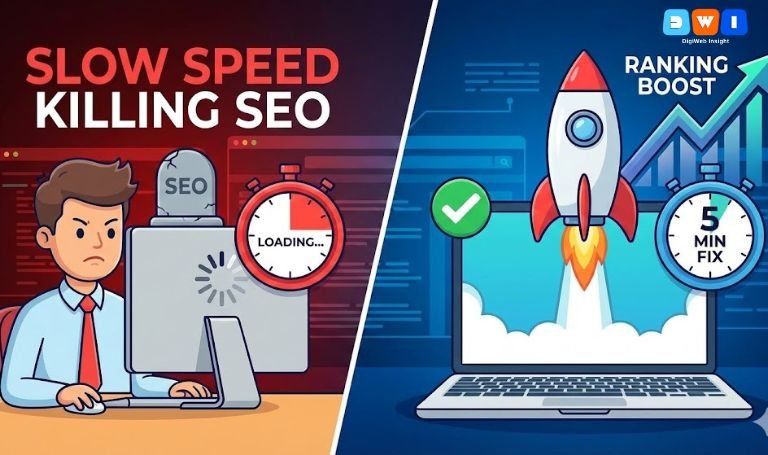
You click a link on your phone. The screen stays white. You wait three seconds. Still loading. You hit the “back” button and try a competitor. This scenario happens millions of times a day, and it is the primary reason businesses lose revenue online.
If you are wondering, “Is slow website speed killing SEO on my site?” the answer is an emphatic yes.
In 2025, speed is not just a luxury; it is a necessity. Google’s Core Web Vitals update made user experience a direct ranking factor. If your pages lag, Google will drop your rankings, and users will bounce before they even see your headline.
Here is why this happens and how to fix it fast.
Why Speed Matters More Than Content
You might have the best content in the world, but if nobody waits for it to load, it doesn’t matter. The reality of slow website speed killing SEO stems from user behavior.
Google data shows that as page load time goes from 1 second to 3 seconds, the probability of a bounce (leaving the site) increases by 32%. A high bounce rate signals to Google that your page is not helpful, pushing you further down the search results.
How to Fix It: 5-Minute Wins
You don’t need to be a coding wizard to make significant improvements. Here are actionable steps to stop slow website speed killing SEO performance right now.
1. Compress Your Images
High-resolution images are the biggest culprit for slow sites. If you are uploading 5MB raw photos, you are forcing the user’s browser to download massive files. The Fix: Use tools like TinyPNG or WebP Express to compress images without losing quality.
2. Enable Browser Caching
Every time a user visits your site, their browser has to download your logo, CSS, and images. Caching tells the browser to “remember” these files so they don’t have to be re-downloaded on the next visit. This dramatically speeds up navigation.
3. Minify CSS and JavaScript
Code often has unnecessary spaces, comments, and formatting that computers don’t need to read. “Minifying” strips this out, making the file lighter. If your code is bloated, you might need professional help. Our web design development team specializes in cleaning up messy backends to improve load times.
4. Switch to a Faster Host
Sometimes, the problem isn’t your site; it’s where it lives. Cheap shared hosting often overcrowds servers. If your server response time (TTFB) is high, upgrading your hosting plan is the fastest fix.
5. Check Your Plugins
If you use WordPress, having too many active plugins can drag you down. Deactivate anything you aren’t using.
Is Slow Website Speed Killing SEO for You?
To know for sure, you need data. Go to Google PageSpeed Insights (a crucial external resource) and run a free test. It will give you a score from 0-100 and specific recommendations.
If your score is red, you are in the danger zone.
Conclusion
Don’t let slow website speed killing SEO be the reason your business fails. By compressing images and optimizing your code, you can retain visitors and climb the rankings.
Speed also impacts your paid ads. A slow landing page lowers your Quality Score, making ads more expensive. If you are running ads, ensure your landing pages are lightning-fast with our Pay Per Click (PPC) marketing services.
For a complete audit of your site’s health and speed, partner with DigiWeb Insight. As a leading affordable SEO agency USA, we ensure your site is built for speed and success.